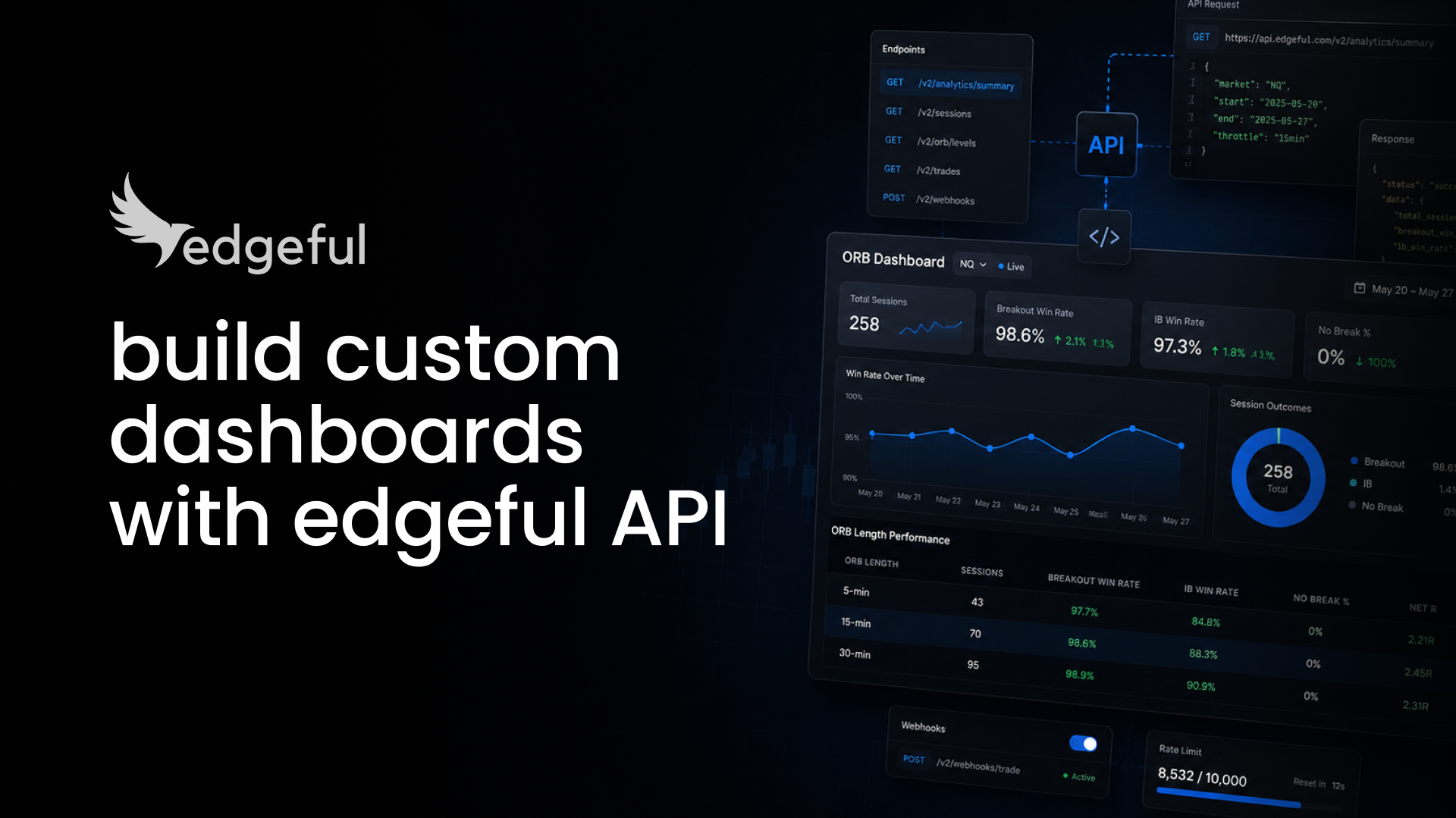
edgeful API quickstart, get a key and pull your first stat in 5 minutes
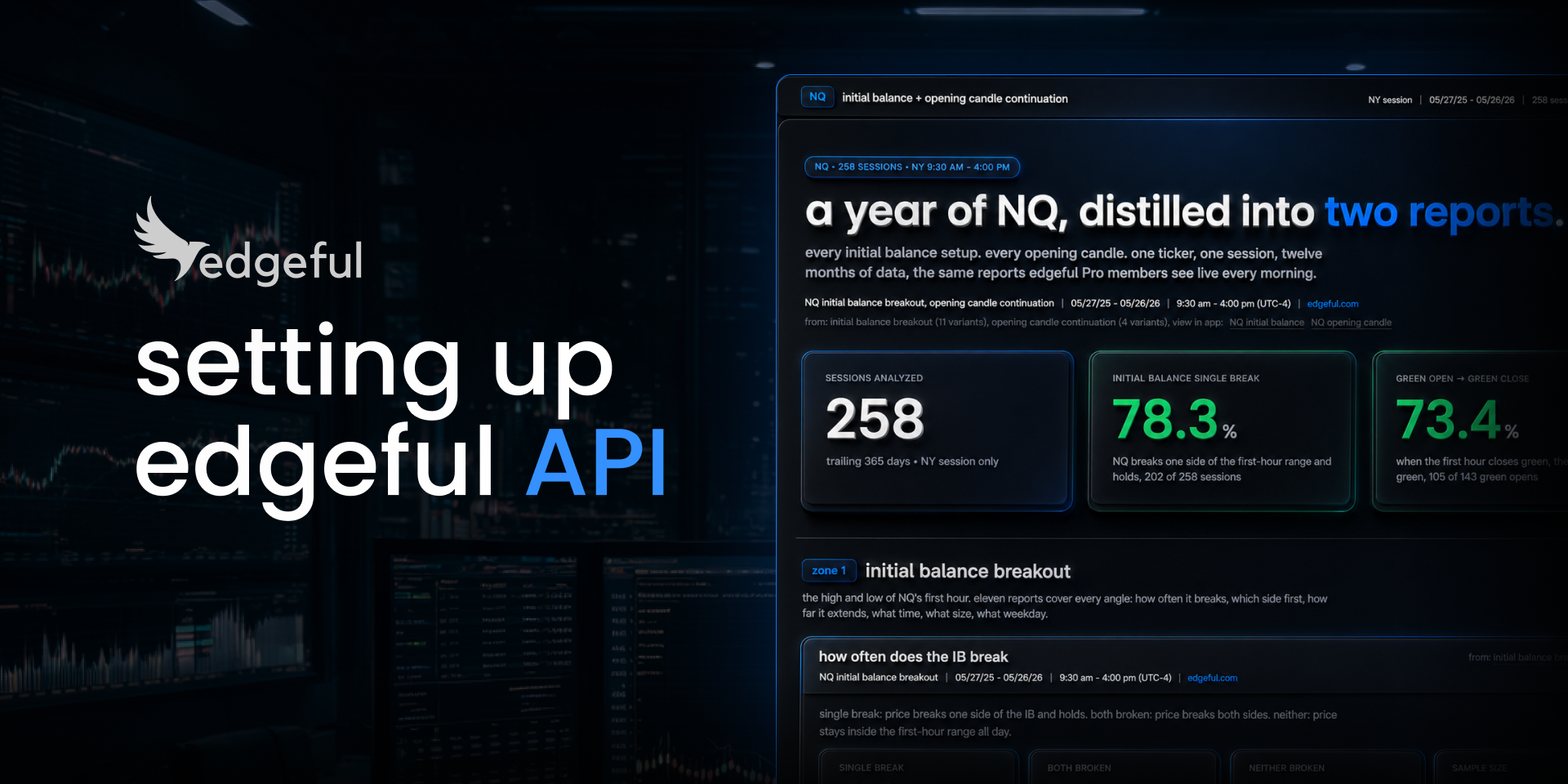
the edgeful API is live. every report on the platform, from gap fills to opening range breakouts to inside bars to 147 more, now returns as structured JSON. this guide walks you through getting a key, setting up a workspace, and pulling your first real stat in under 5 minutes.
you don't need to write a line of code. you point an AI agent at the edgeful API docs, paste in your key, and ask the question. the whole loop takes minutes.
what you need
- an edgeful account on any paid tier (essential $49, pro $99, all-access $299)
- VS Code with the Claude Code extension installed
- an AI tool that can read docs and write code (Claude, Cursor, and ChatGPT all work)
- 5 minutes
every paid tier includes API access. essential gets a limited scope (4 tickers, 3 reports, 6 months of history, EOD only). pro opens up every ticker on the platform, all 150 reports, live what's-in-play and screener feeds (not raw tick data), and 1 year of history. all-access adds the algo suite, 8 years of history, and row-level data on top of pro.
step 1, generate your API key
sign in at edgeful.com. open the API dashboard at edgeful.com/api-dashboard. click "generate key."
read the API agreement before you confirm. once you click through, the key shows up on screen one time. copy it somewhere safe. if you lose it, you regenerate and start over.
step 2, set up a clean workspace
open VS Code. install the Claude Code extension from the extensions panel (search "Claude Code for VS Code", click install, follow the auth prompts).
create a fresh folder on your desktop. call it whatever you want, "edgeful-api-demo" works. open that folder in VS Code so Claude has a clean place to work. this is the box your AI agent will operate inside.
step 3, hand the docs to your AI
open Claude Code inside your new folder. grab the API docs link from edgeful.com/api-dashboard (click "API documentation"), and paste it into Claude with a one-line prompt:
help me set up the edgeful API. here are the startup docs: edgeful.com/docs/welcome
Claude will ask which language to use. Python is fine. it will then ask for your API key.
paste the key into the .env file Claude creates (or let Claude paste it for you). save the file. that's it. your environment is set up.
step 4, pull your first stat
ask Claude a real question. for example:
can you pull the NQ stats for the IB standard report in the NY session for the last year?
Claude makes the API call. you get back a structured response with the headline rate, the sample size, and a weekday breakdown. one prompt, real data.
if your key is wrong, you get a 401. if the ticker is outside your tier (essential users hitting a non-essential ticker), you get a 403 with a link to upgrade. otherwise you get the answer.
step 5, build something with it (optional)
once the API is wired up, the next move is the dashboard skill. we built a Claude skill that turns any edgeful response into a clean HTML dashboard with KPI cards, charts, and the methodology baked in.
drop the skill into your workspace, ask Claude to "put the NQ data into a dashboard," and the file builds in about 30 seconds. grab the dashboard skill here.
after dropping the skill in, you'll need to restart Claude Code once for the slash command to register. then /dashboard shows up alongside everything else.
what to ask for next
every report on edgeful follows the same shape. swap the ticker, swap the report, swap the timeframe, you get a different stat. a few to try:
- opening range breakouts (ORB), the by-extension subreport is where the lift usually lives
- initial balance extensions, same idea, different setup
- inside bars, small range days that often telegraph the next move
- session ranges, useful for sizing your stops against typical NY range
- weekday performance, the seasonality cut
the full report list is in the docs. once you know the report name, your AI agent can call any of them.
what you can build with this
three projects worth shipping:
- a daily prep dashboard. every morning, pull what's in play on your tickers. one page, refreshed before the open.
- a strategy tester. pull a year of setups, apply your own filter, score the result.
- an AI agent that knows real data. give Claude or Cursor your API key and let it write strategies against actual edgeful stats instead of guessed numbers.
each one is under 100 lines of code that you don't write. the AI does it.
results vary
historical data does not guarantee future returns. the numbers your AI pulls are illustrative, not trade signals. market environments change, edges decay, and live trading still requires customization, time, and effort beyond pulling stats.
start building
generate your API key at edgeful.com/api-dashboard. the docs, the quickstart, and the dashboard skill are all linked from there.
FAQs